

Install the Cello plugin
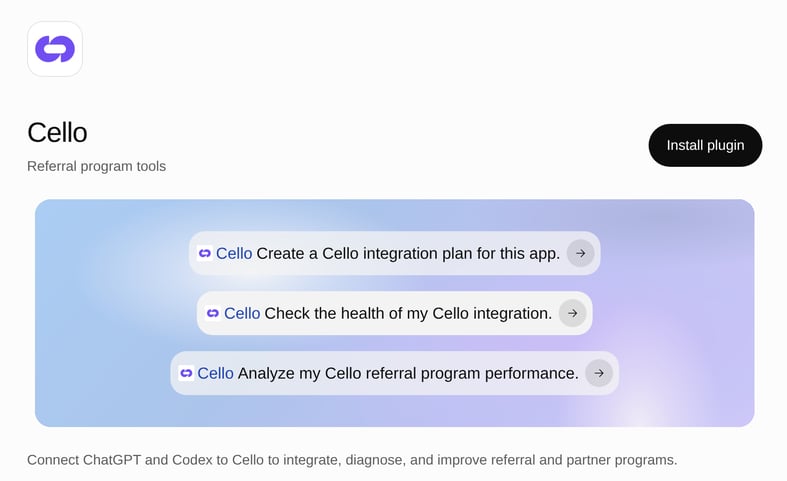
Cello MCP server plus the integration guide, health check, and program performance skills.
Prerequisites
Before integrating Cello, ensure the following prerequisites are met:- Signup and authentication flow with a database to store user records is functional.
- Stripe or Chargebee subscription flow is functional.
- You have a Cello account and API keys at hand.
You can integrate directly on production - your account stays in pre-launch phase until you launch, so all events are recorded as test data and nothing is paid out. A sandbox is optional if you prefer a separate environment.
Install the Cello plugin
The Cello plugin bundles the Cello MCP server and three skills. The MCP server gives Codex direct access to Cello’s documentation, your integration status, your incoming events, and best-practice recommendations. The skills tell Codex how to use them:- ChatGPT desktop app
- Codex CLI
- Open the Cello plugin page, or open Plugins in the ChatGPT desktop app and search for Cello.
- Select Install plugin.
- Sign in with your Cello account when prompted. There’s no token to generate or paste.
- Start a new Codex chat. Type
@and check that Cello and its skills are listed.
The Codex IDE extension doesn’t support plugins. Install the plugin from the ChatGPT desktop app or Codex CLI, or use the manual setup below.
Manual setup without the plugin
Manual setup without the plugin
Add the Cello MCP server from the terminal:Authenticate via the Cello Portal when prompted. You can also turn the server on under My account → MCP Server in the Cello Portal and follow Connect your client.Then download the integration guide skill into your repo’s skills folder:Restart Codex so it picks up the new skill. You can also install it at the user level (
$HOME/.agents/skills) so it’s available across all your projects, or at the admin level (/etc/codex/skills) for your whole org.Cello user referrals integration (Coding-agent flow)
1
Create the integration plan
Ask Codex to plan the integration with the integration guide skill:“Use cello-get-integration-guide to create a Cello integration plan for this app.”Codex analyzes your frontend, signup flow, and payment gateway, and asks you the questions it can’t answer from the code.
2
Confirm executing the plan
Review the plan carefully. It should cover:
- Cello JS SDK initialization and user authentication
- Referral component placement and configuration
- Attribution setup for tracking referred signups
- Webhook integration for conversion tracking
3
Verify each component as you go
Don’t wait until the end. As Codex finishes each part, ask it to run the health check skill on that part before moving on:“Use cello-integration-health-check to check my integration - is the attribution library connected yet?”The four things the plan covers are the same four the health check reports on, and the same four you’ll test later in the pre-launch testbook:
Two things to expect, so a partial result doesn’t look like a failure:
- All four components are reported every time. The ones you haven’t built yet read Not connected, which is correct at this stage. Only judge the one you just finished.
- Status lags behind your code. A component turns Connected once a successful event reaches Cello within the health window, which can take up to ~10 minutes. Re-check before concluding anything is broken.
4
Work through the pre-launch testbook
The Pre-launch Testbook covers the manual, front-end checks no automated tool can see for you: whether the referral component sits well in your UI, whether the new-user banner reads correctly, and whether the discount math is right on both monthly and yearly plans.Codex can fetch it and walk you through it, because the testbook is part of the documentation the plugin’s MCP server searches:“Pull the Cello pre-launch testbook and walk me through the signup tracking section.”
Pre-launch Testbook
5
Publish & Test
Run your app and test the end-to-end flow. If everything was implemented correctly, you should see events coming in to the Cello Dashboard, marked as testing until you launch your program.Events reach Developers → Events within a few minutes, but dashboards refresh hourly - see when each surface updates before assuming something is missing.
After you’re live
The Cello plugin continues to be useful after the initial integration:Use the plugin in ChatGPT
The same plugin works in ChatGPT, so people who don’t use Codex can ask about the program too. Install it once from the plugin page, then ask in any chat, for example “Analyze my Cello referral program performance.” ChatGPT usescello-get-program-performance to answer.
For a step-by-step technical implementation (source of truth + acceptance criteria), follow the detailed guide:The guide uses React + Node.js as an example, but it can be any other combination - the steps stay the same.